
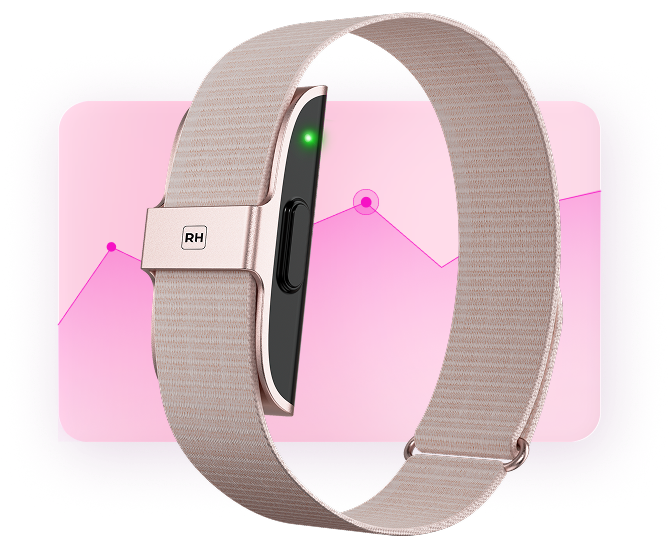
Welcome! Let’s connect your Reverse Health Smart Band.
You’re just 2 minutes away from seeing all your vitals.


How to get started
1
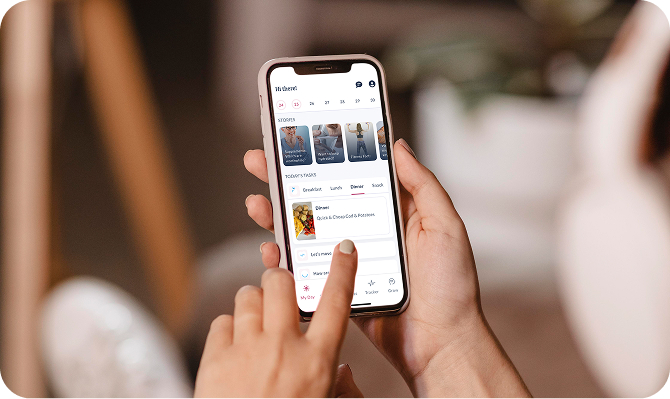
Click below to download the Reverse Health app
Click below to download the Reverse Health app
Once installed, open the app and create or log into your account.


2
Make sure Bluetooth is enabled on your phone so your bracelet can connect.
Make sure Bluetooth is enabled on your phone so your bracelet can connect.
3
Open the app and follow the pairing instructions.
Open the app and follow the pairing instructions.
Your bracelet will start syncing with your app automatically. Happy tracking!
Pairing steps
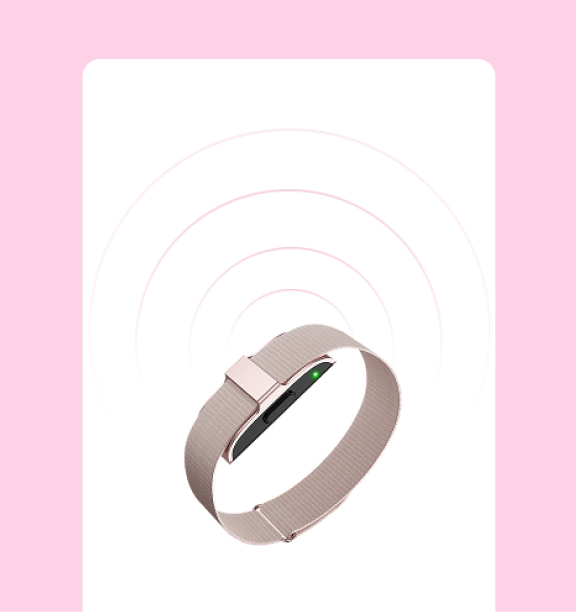
Looking for smart band
Make sure your smart band is nearby with sufficient battery level.
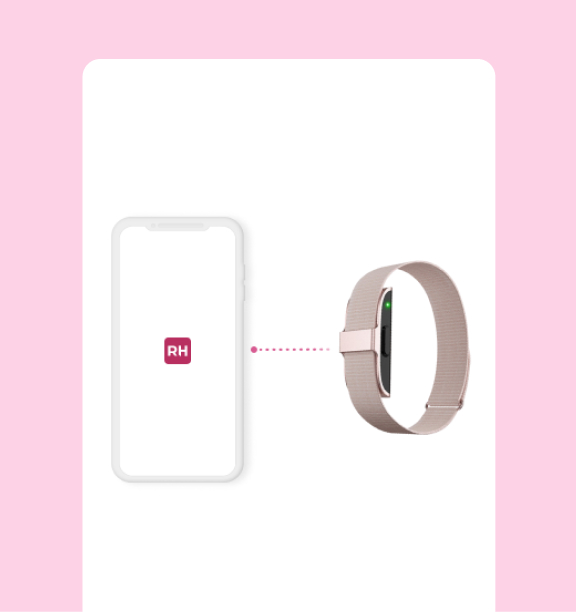
Connecting...
Keep your phone close to smart band.
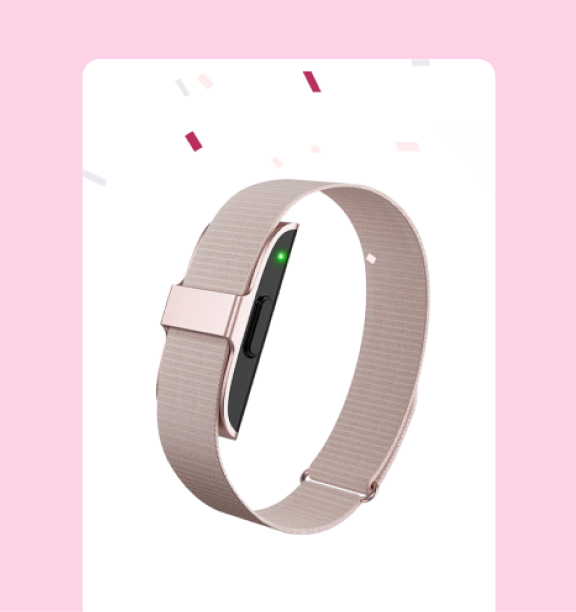
Connected
Your smart band is successfully connected and will start tracking your health metrics in the app.
Looking for smart band
Make sure your smart band is nearby with sufficient battery level.
Connecting...
Keep your phone close to smart band.
Connected
Your smart band is successfully connected and will start tracking your health metrics in the app.


Choose your plan
Select a single plan to get started